

Impact
Product discoverability increased by ~40%
Menu-related drop-offs decreased by ~30%
Navigation now supports promos, brands, and content without overwhelming users
Methods
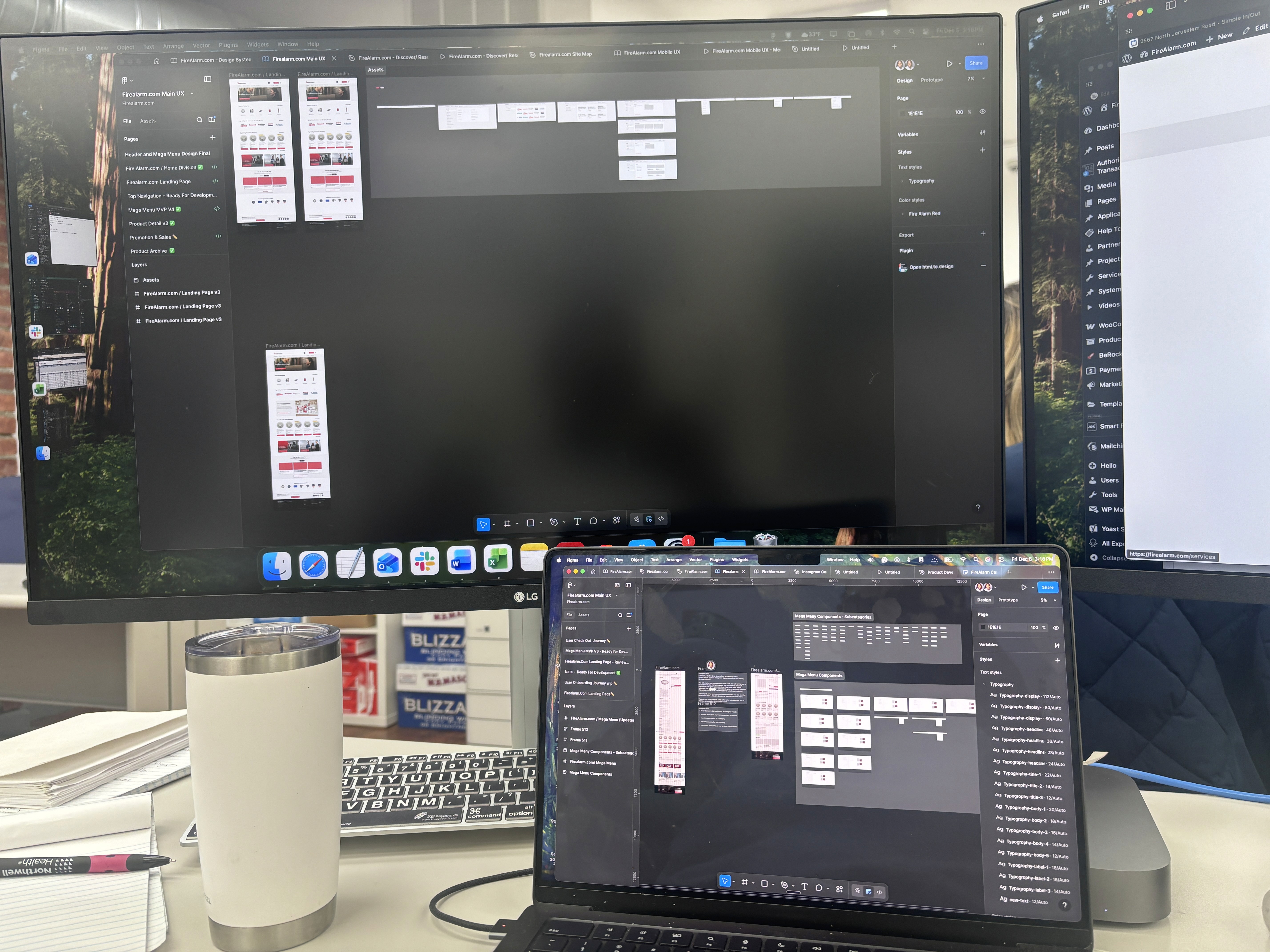
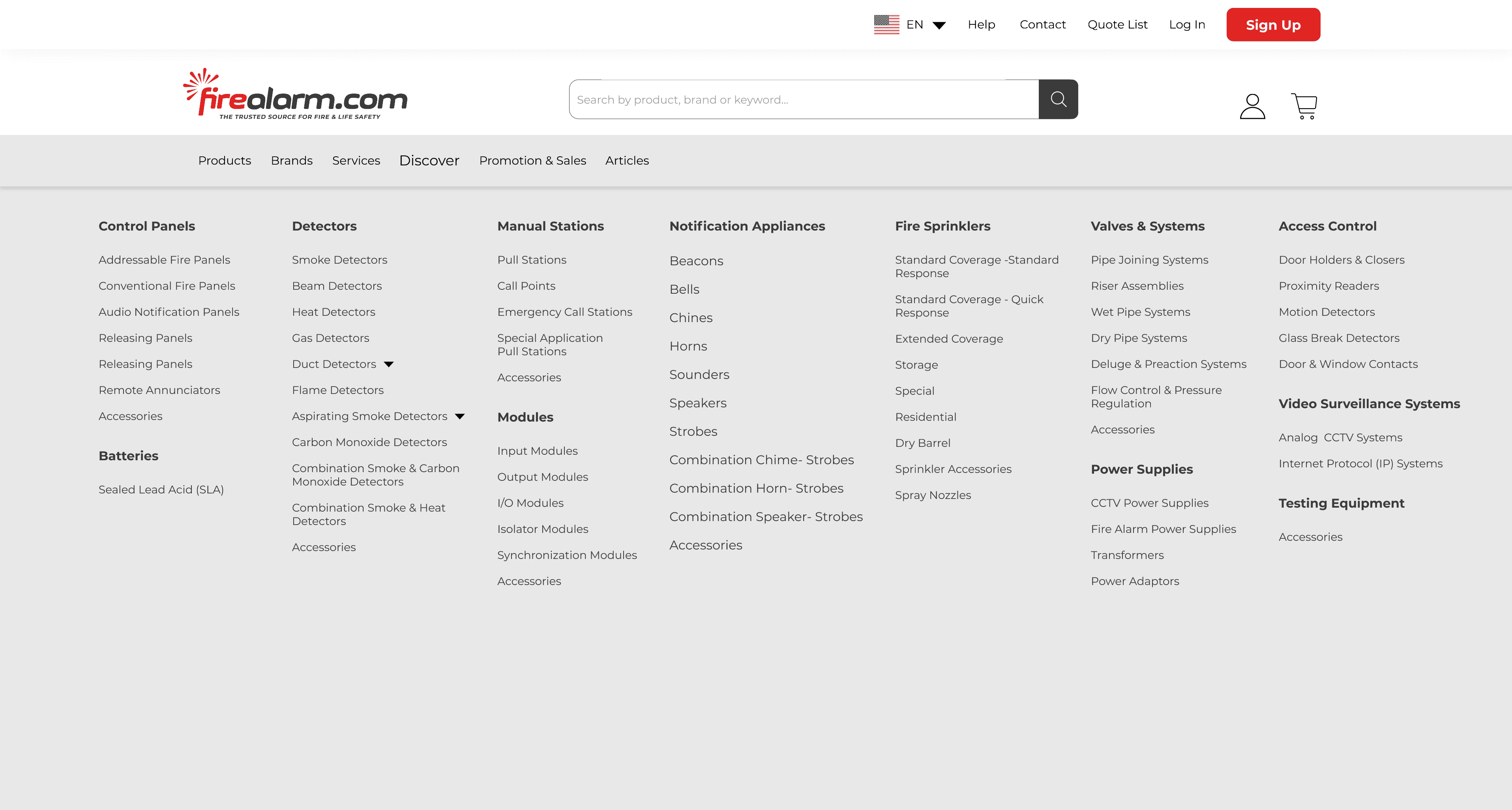
Reworked the information architecture into clear product families
Simplified the mega menu and moved detailed filtering into a dedicated search/filter experience
Analyzed user behavior (click maps, drop-offs, “quick backs”) to validate decisions
The Challenge
Research & Discovery
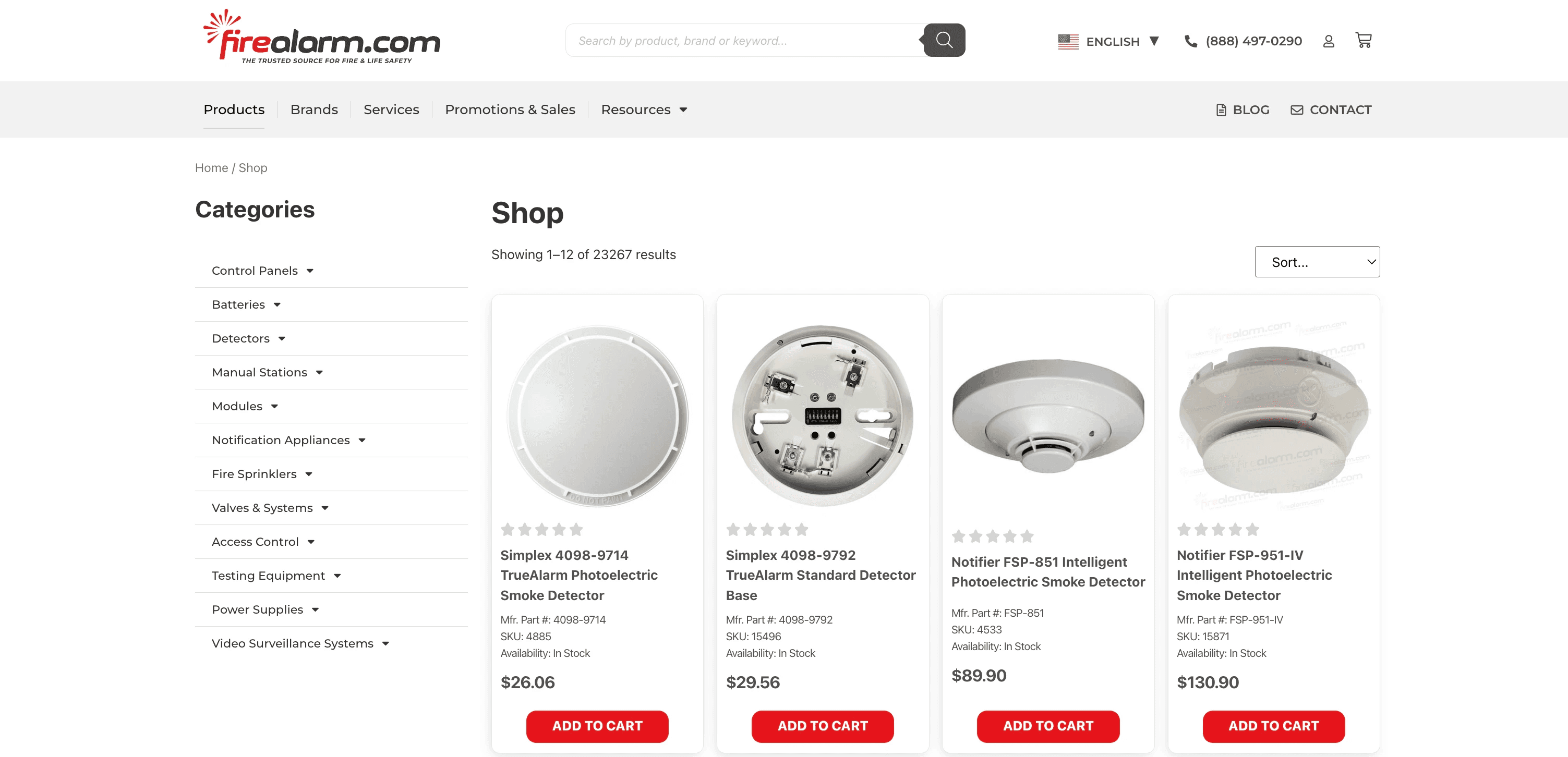
Overwhelming inventory
Large inventory of products made it difficult to find specific items.
Competitor Analysis
Usability Testing
From the research and testing, users clearly needed:
Architecture and Structure
Controlled Information
Advanced Filters
Streamlining For A Smarter Way to Browse
Iterations & Improvements
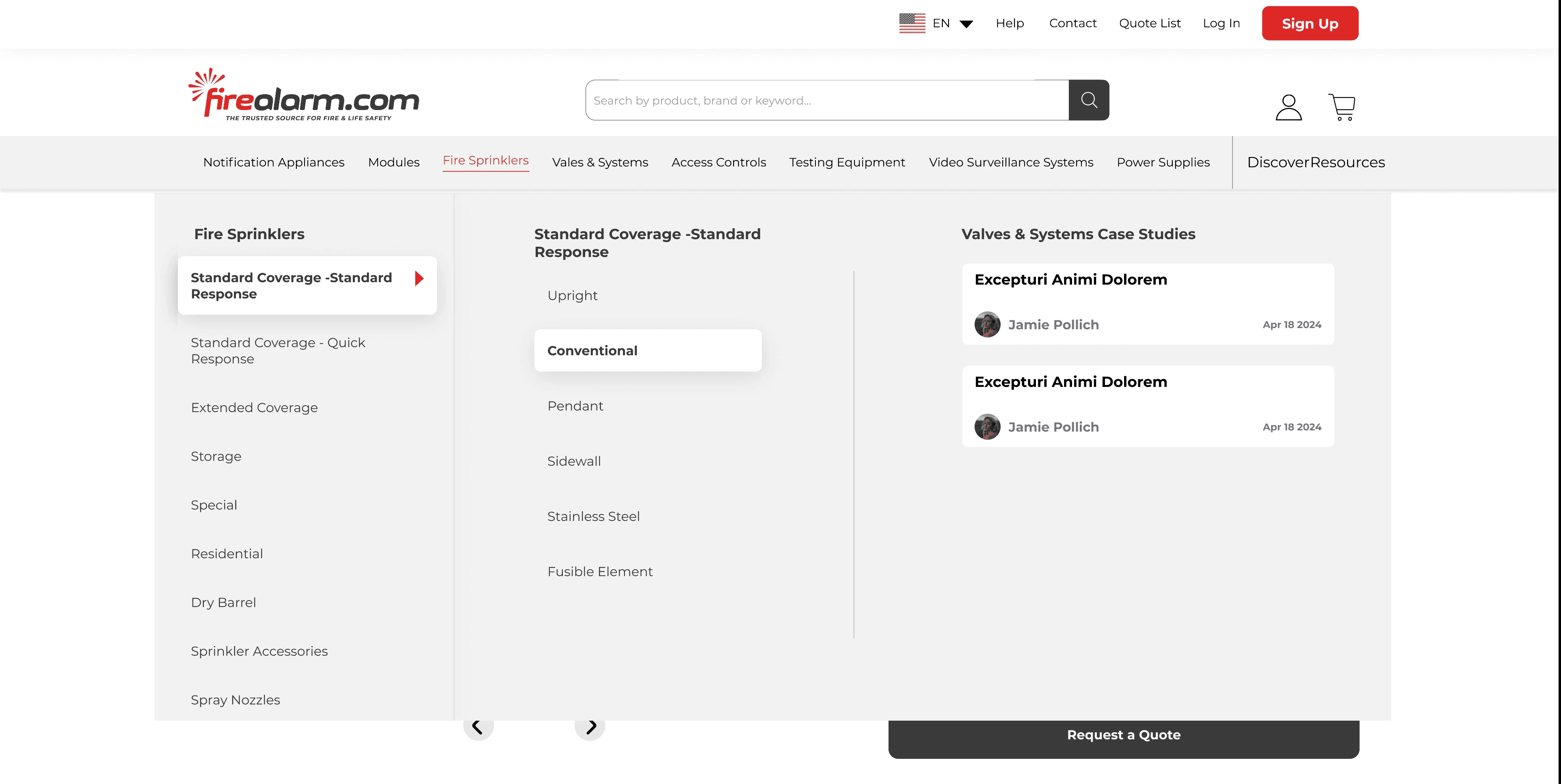
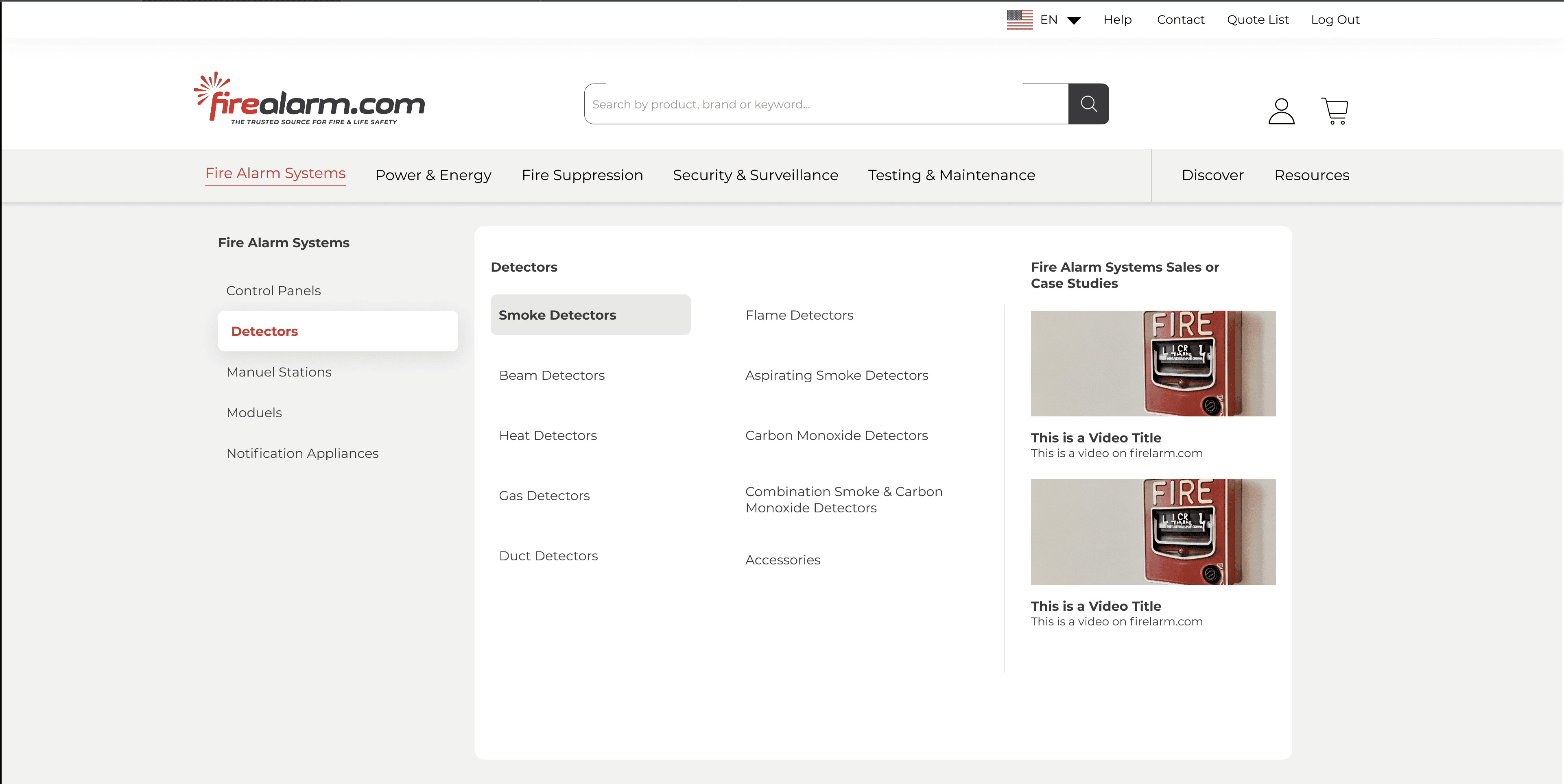
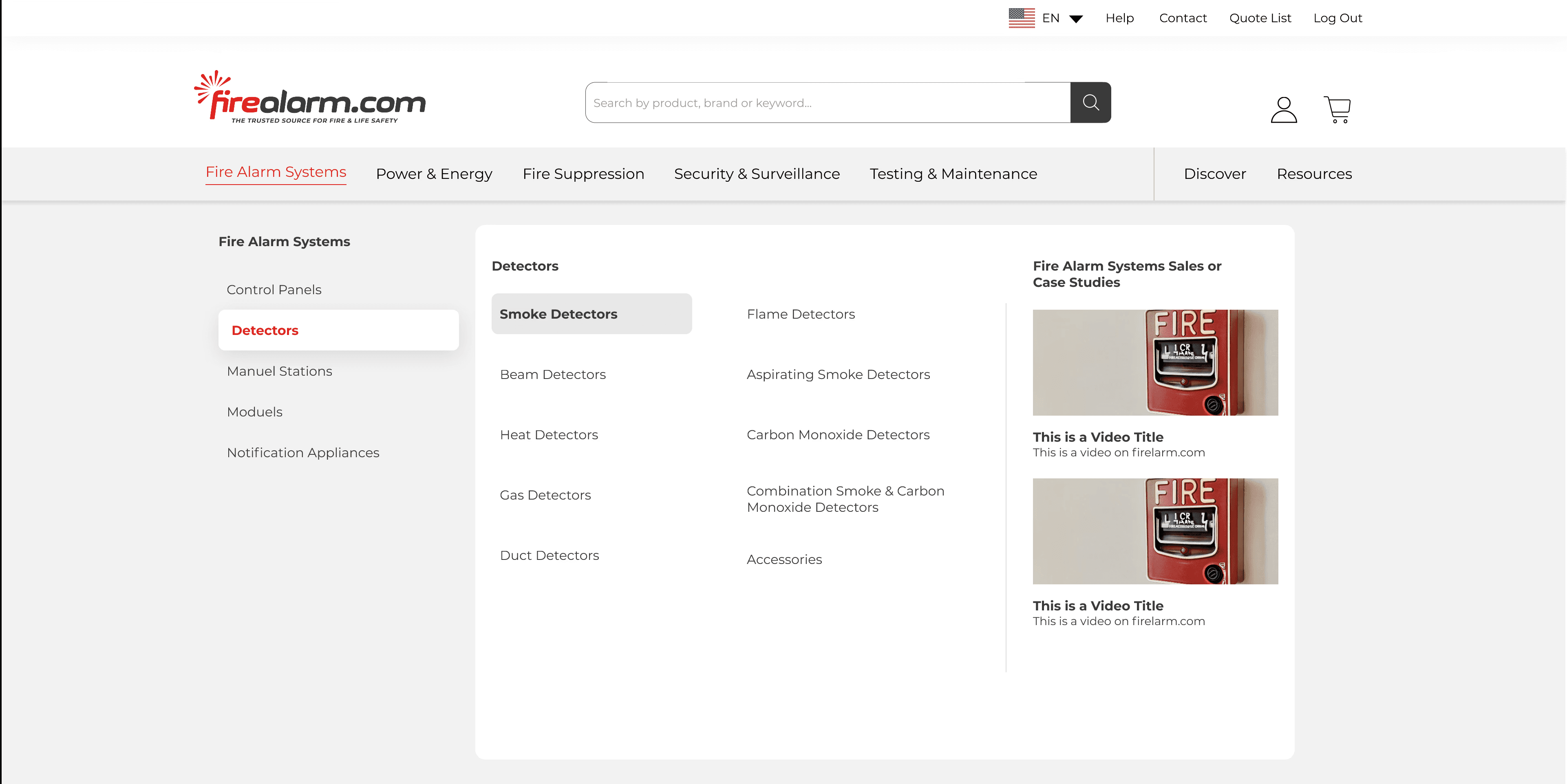
Solution
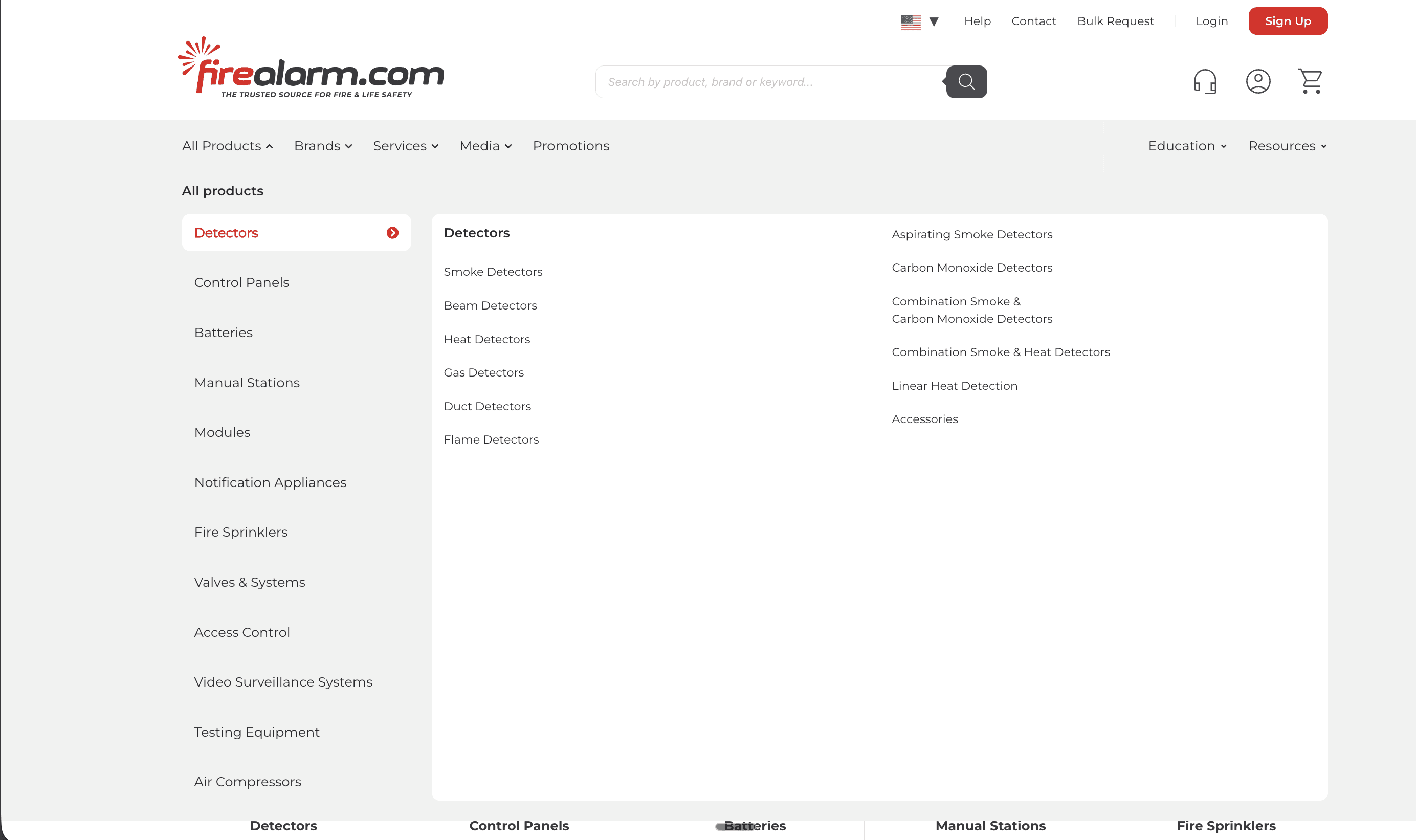
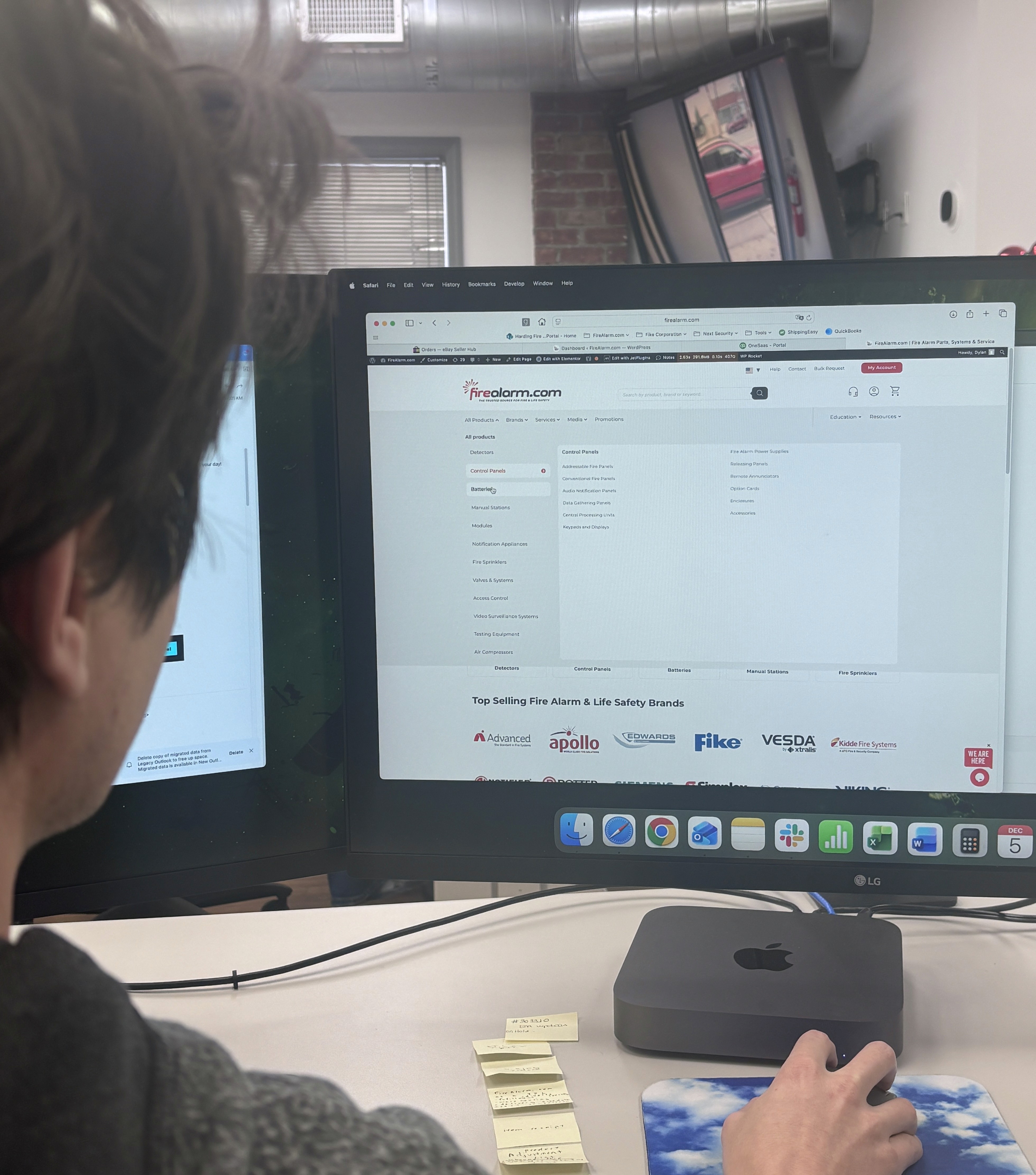
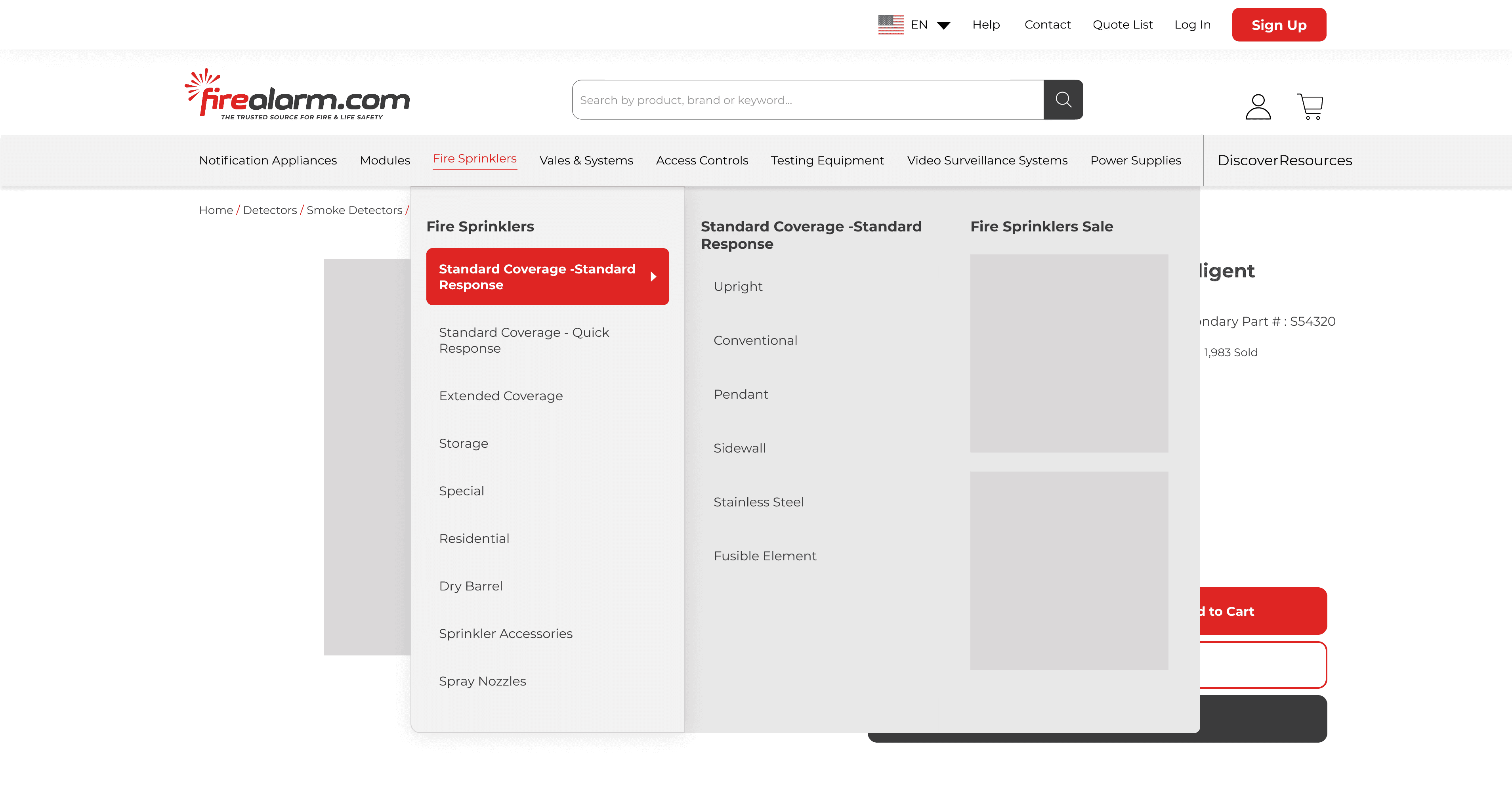
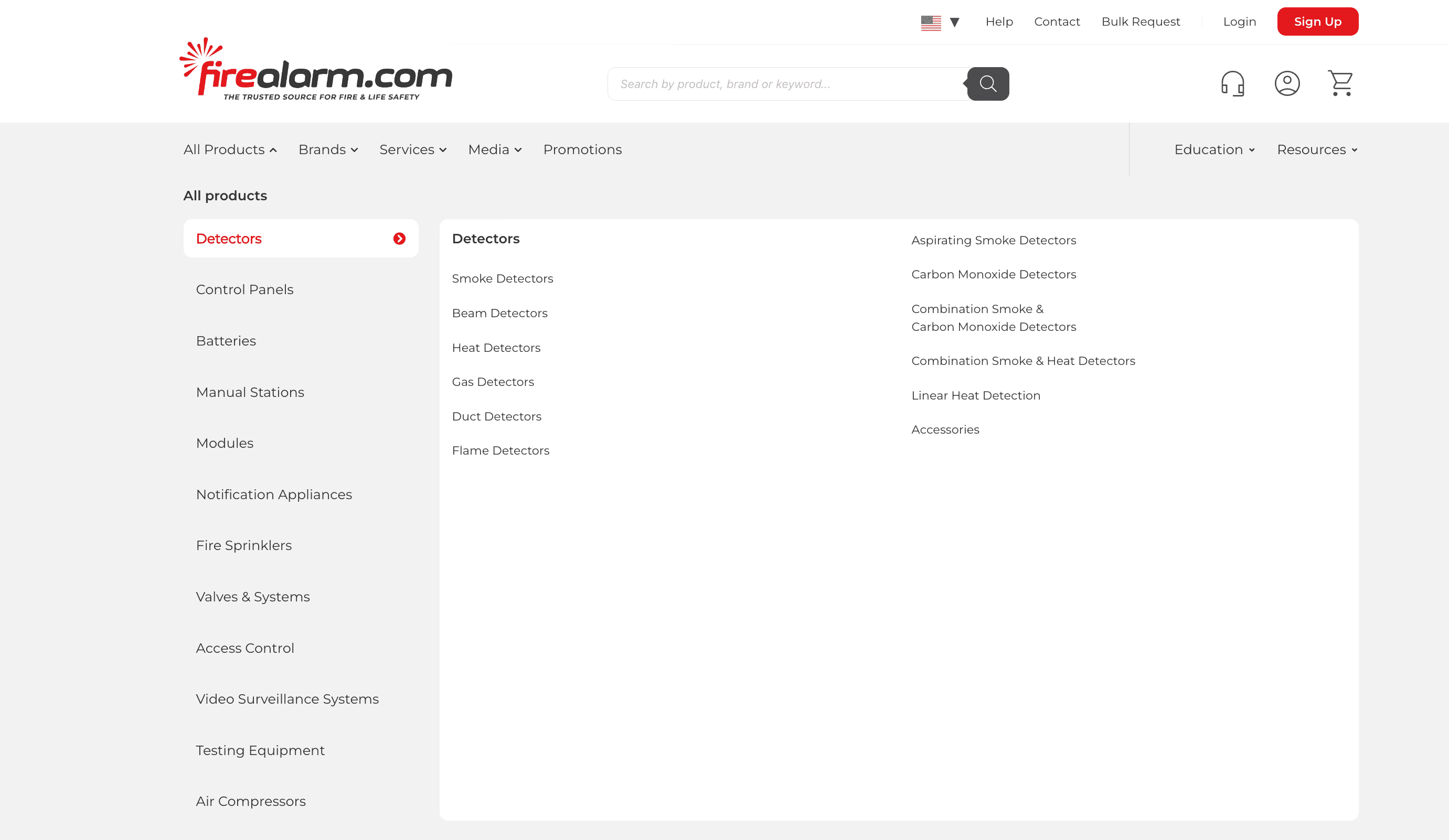
In the final iteration, I shifted away from tightly bound industry jargon and into a scalable product-family model. The left rail now anchors the menu with clear, flexible families like Detectors, Control Panels, Batteries, Manual Stations, Notification Appliances, Fire Sprinklers, and more. These act as stable “buckets” the team can expand over time.
Within each family, the middle and right columns break items into specific types—smoke, beam, gas, duct, and flame detectors, plus variants like combination smoke & CO and linear heat detection. Users first pick a family, then refine within that group or move into filters for more detail.
The layout itself is a reusable pattern in the design system: a persistent left rail for families, a middle column for core subtypes, and a right column for variants and accessories. This keeps the experience easy to scan for users and easy to scale for the business.
Impact & Reflection
Shifting to product families instead of heavy industry jargon turned out to be a win for both sides. Users get a menu that feels cleaner and less intimidating, while power users can still drill into the exact detector or device type they need with minimal friction.
For the business, the mega menu is now a stable framework: new categories, brands, or content can be added without blowing up the IA or redesigning the header.
The biggest lesson for me was balancing “technically perfect” organization with what actually scales in the real world. Earlier versions mapped closely to industry language but were harder to maintain and overwhelming for non-experts. The final solution is more flexible, easier to extend, and still grounded in real user behavior—turning the navigation into a long-term system, not just a one-off redesign.
Stephan
President of Firealarm.com